Patchlist is the production OS for live sound.
Build a patch once, export a network preset, and share links with crew who don't need an account. The whole team stays on the same patch.
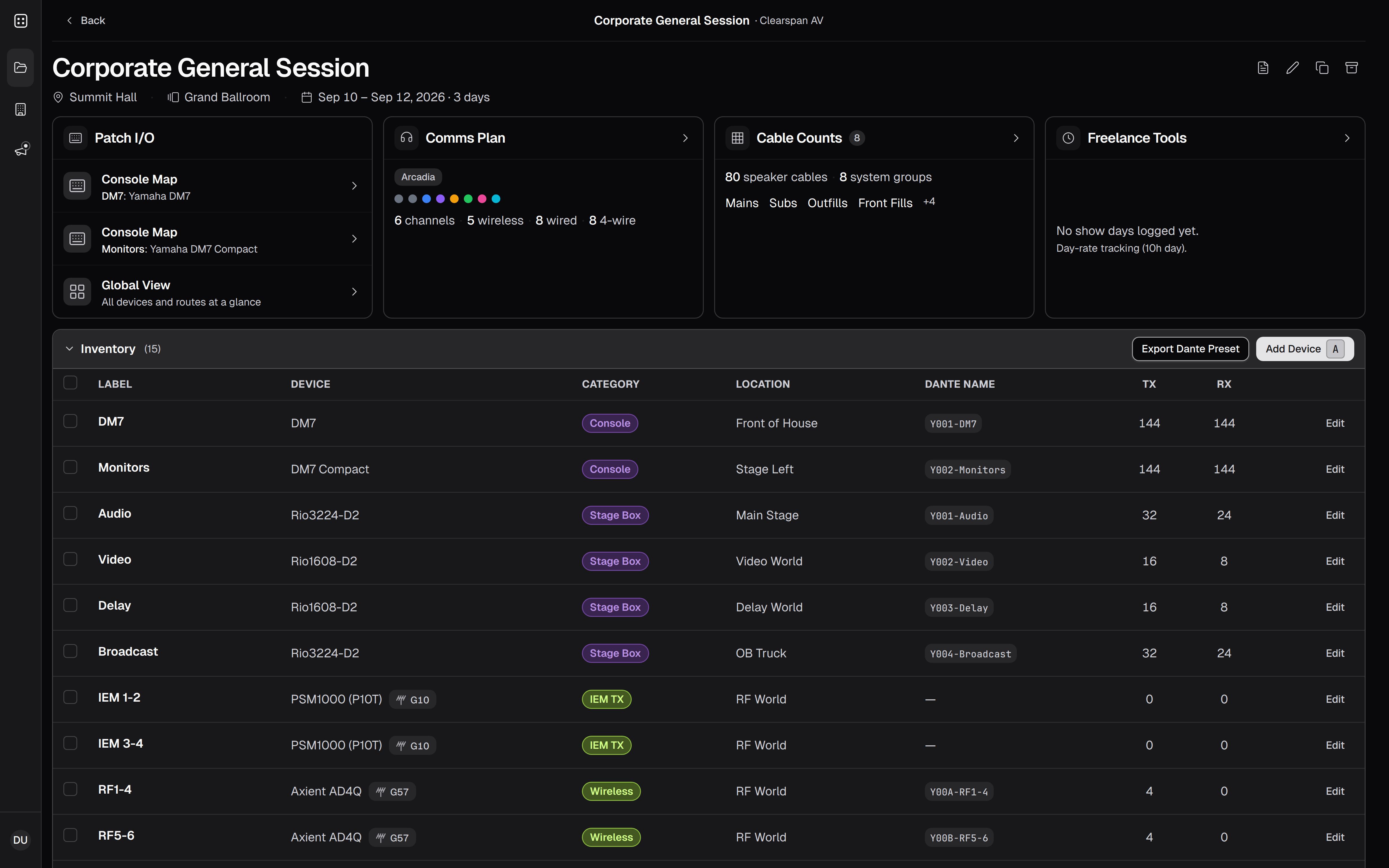
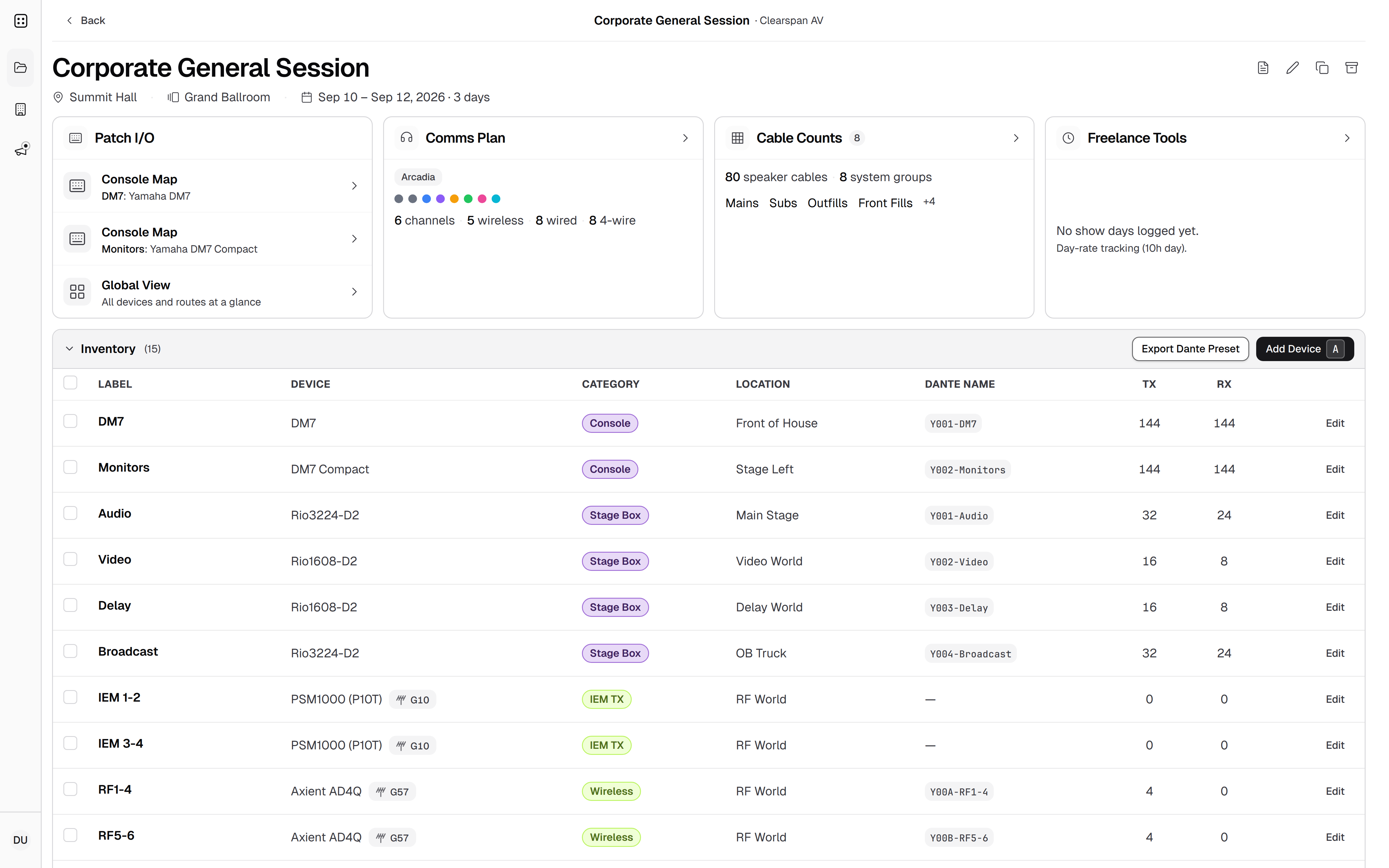
Console map
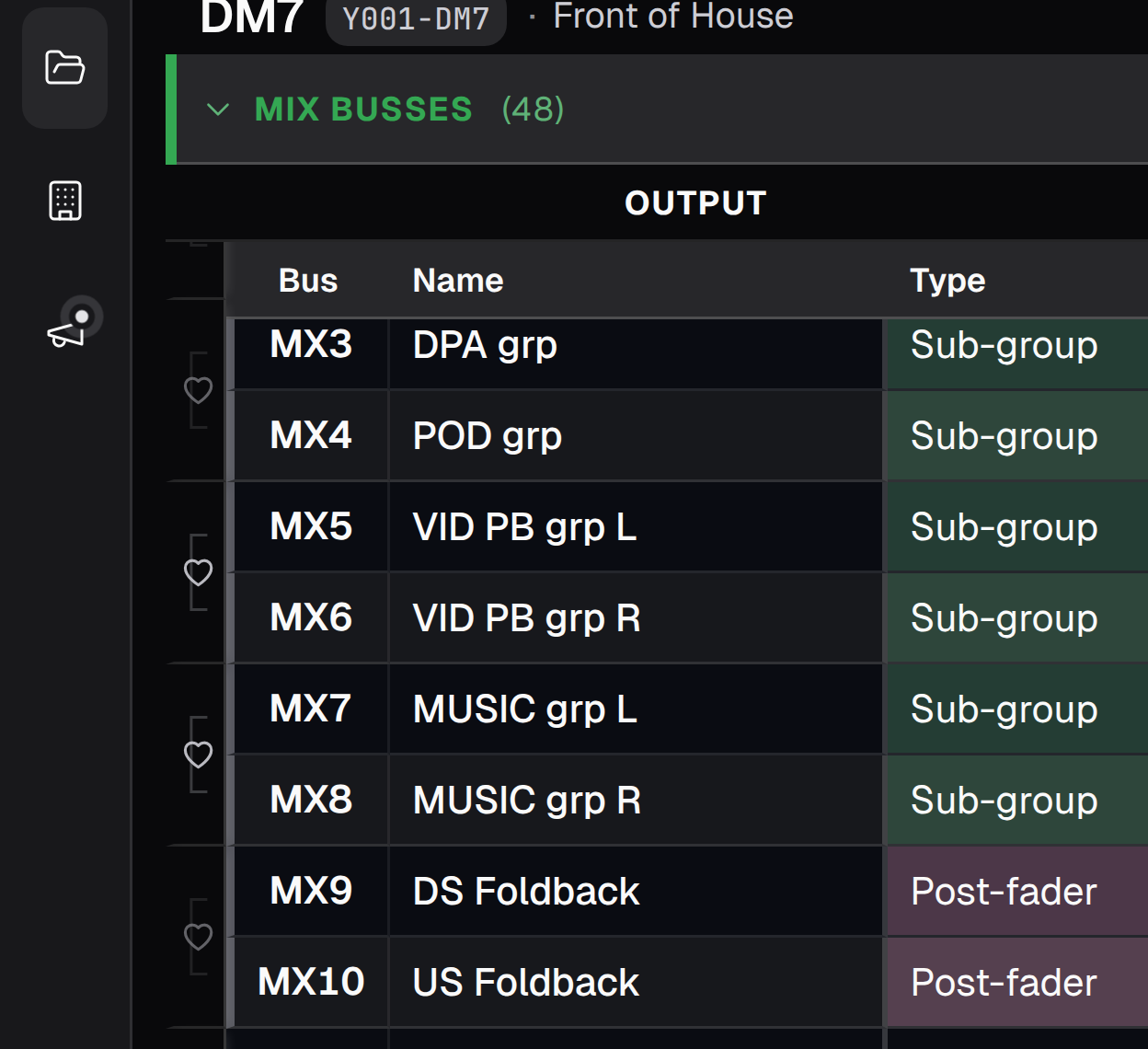
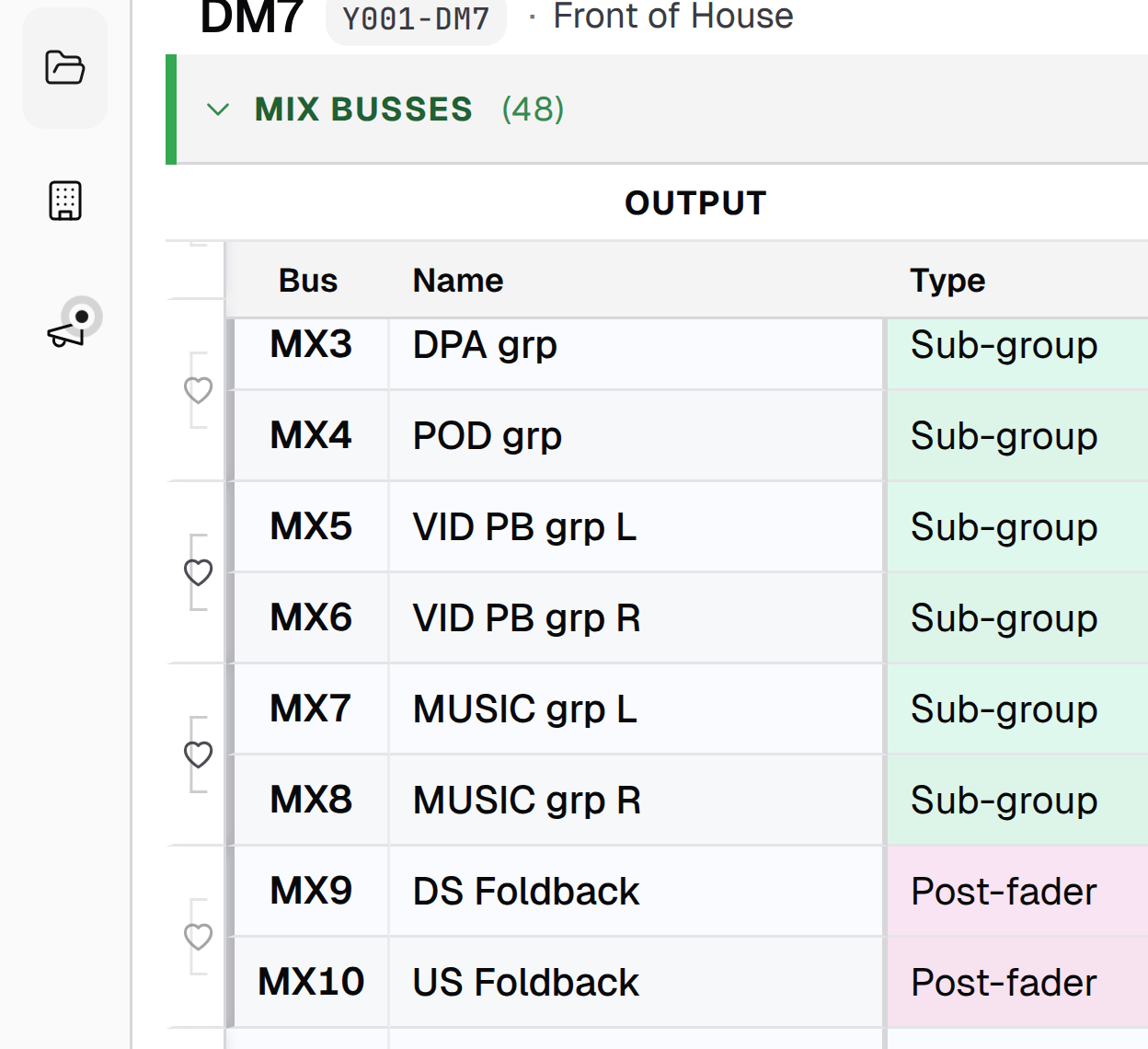
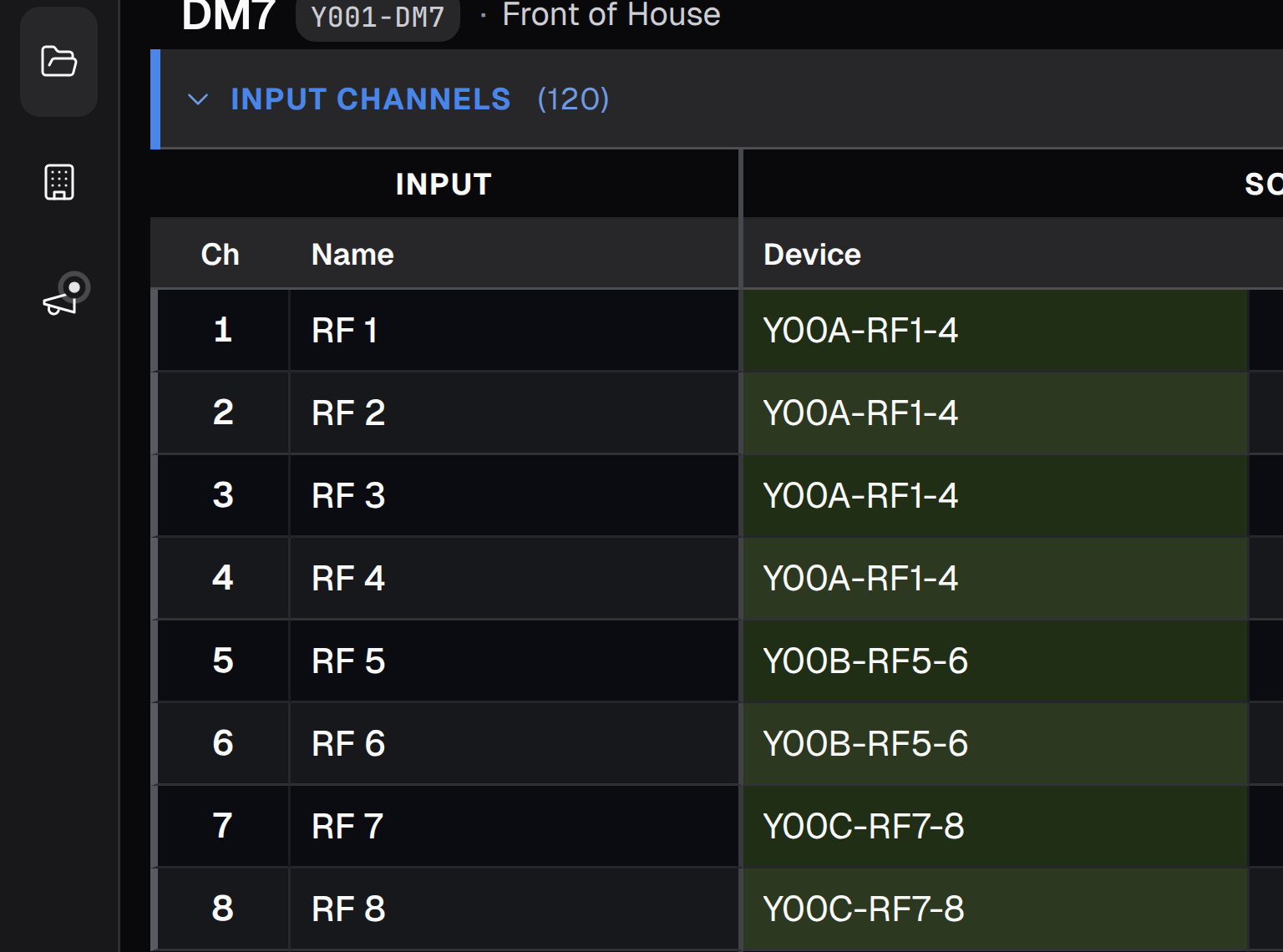
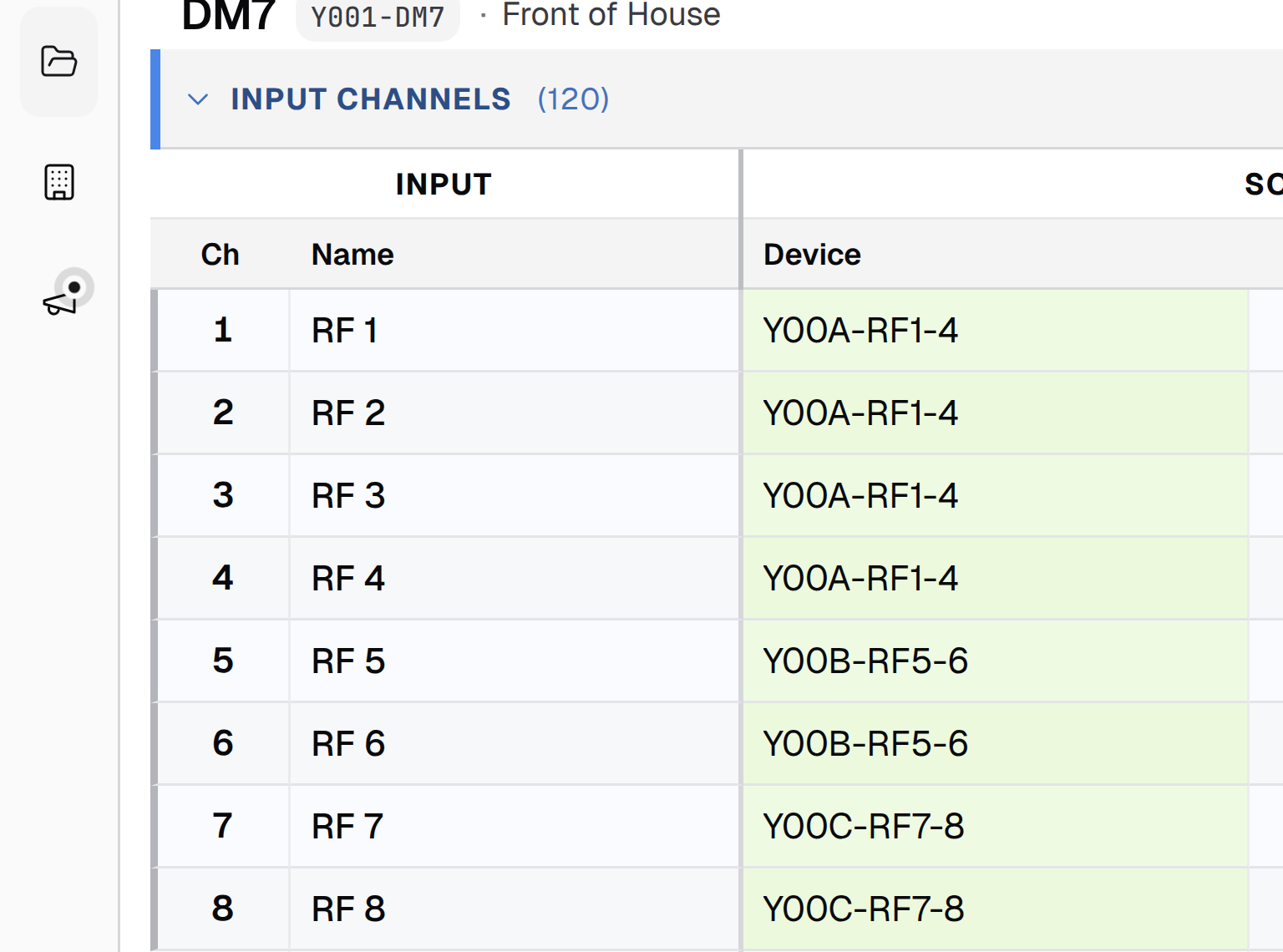
The input list is the source of truth.
Soft-patch labels and channel sources once. Every other view updates in real time, so the A2 sees the change as soon as the A1 makes it. Network preset export follows that same map, and real console limits for inputs, mixes, and matrices stay visible so you always know what's left.
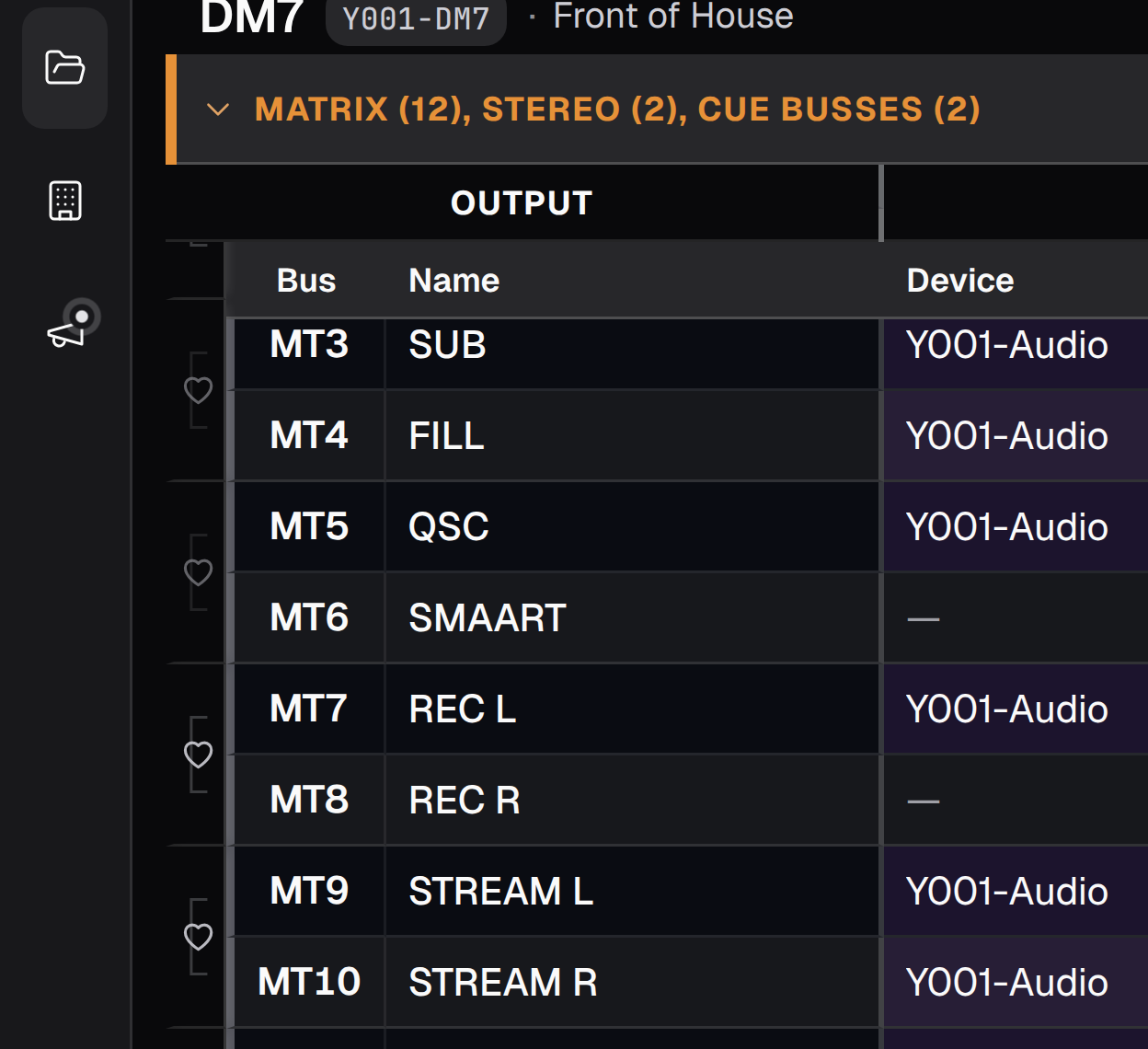
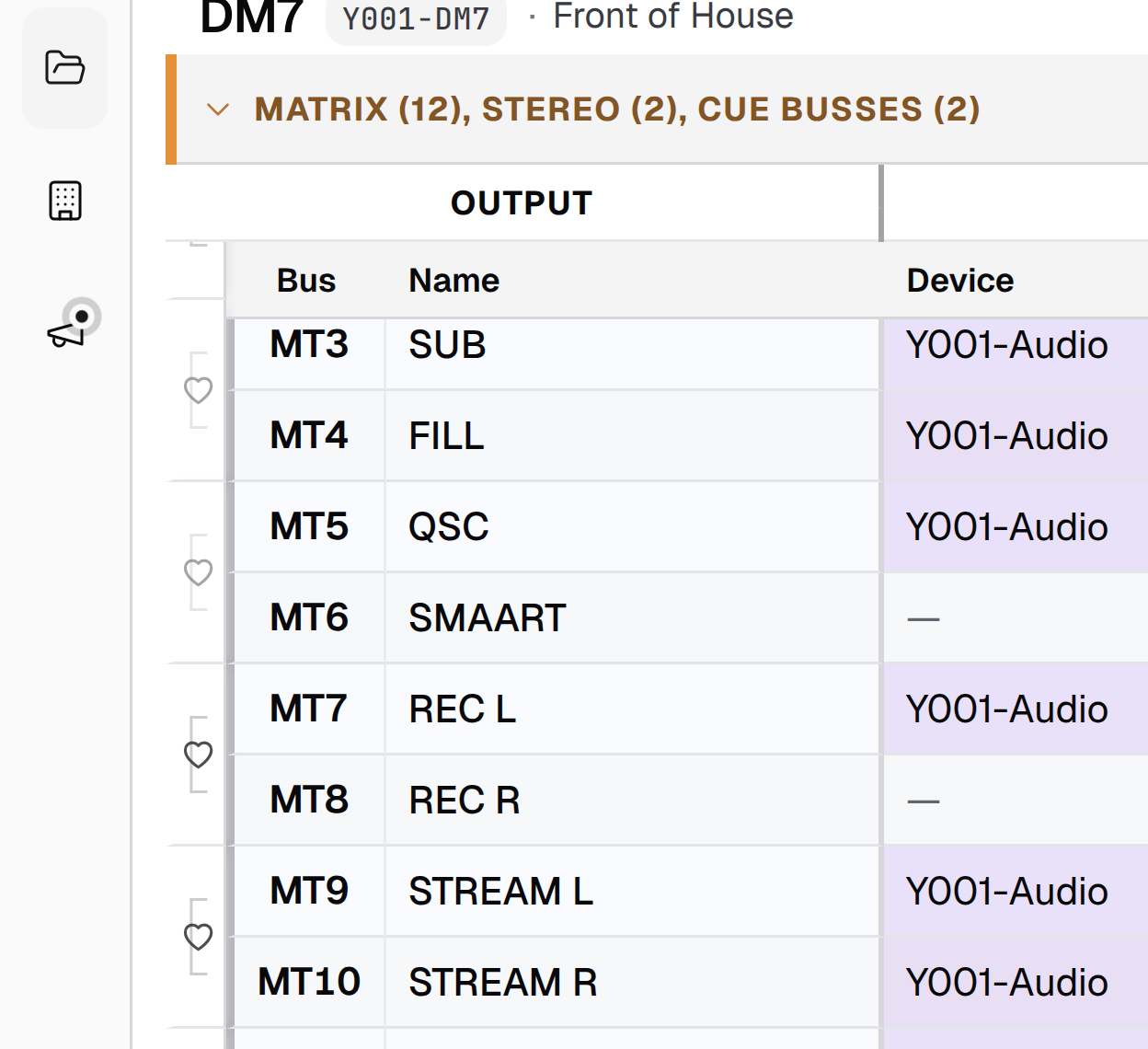
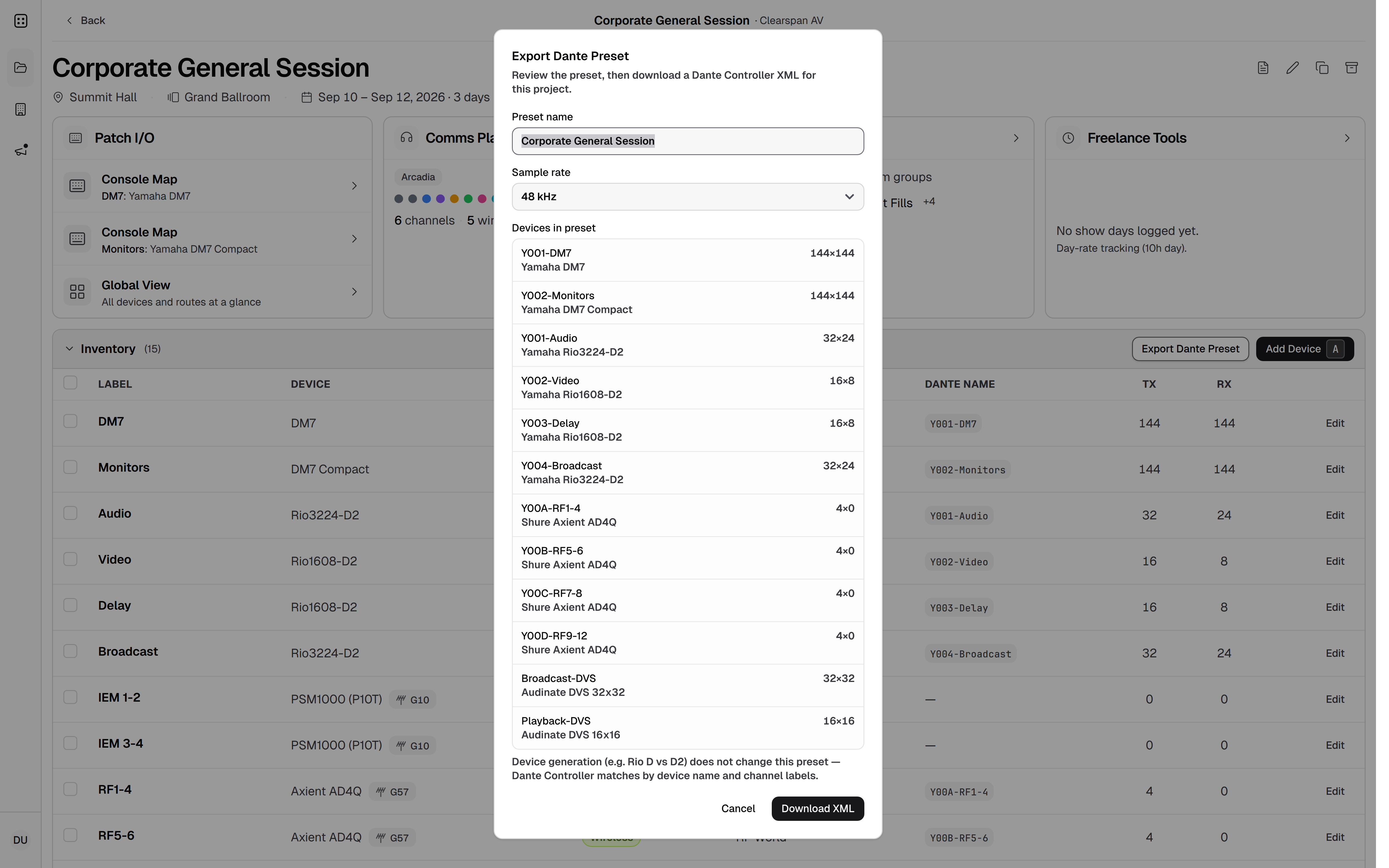
Network preset
Export the patch. Don't rebuild it.
Soft-patch the show in Patchlist, then export a preset and deploy it on your network. Same labels and routes. No second rebuild by hand.
Request private beta access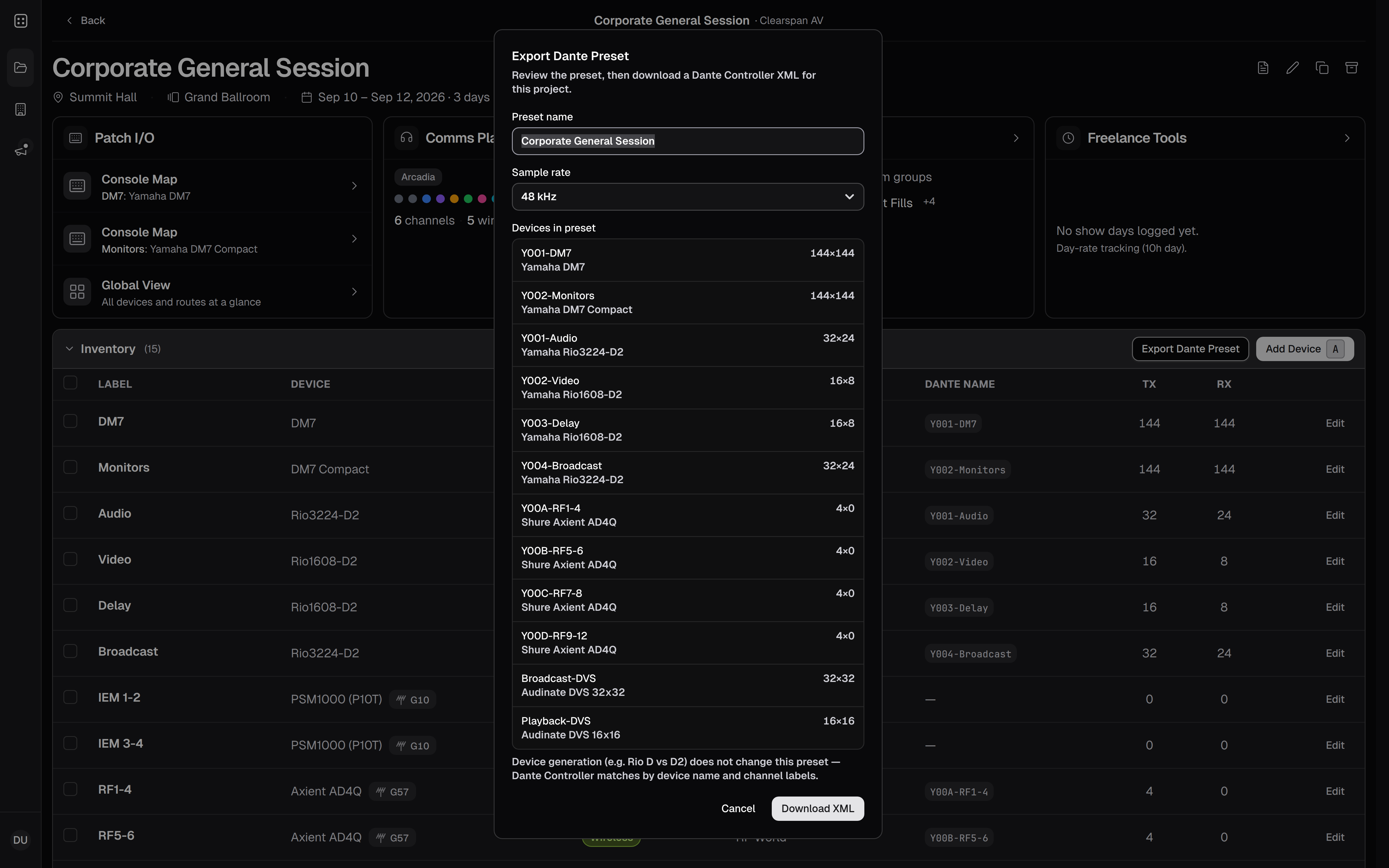
- Public share Global View for Corporate General Session — every device and route at a glance
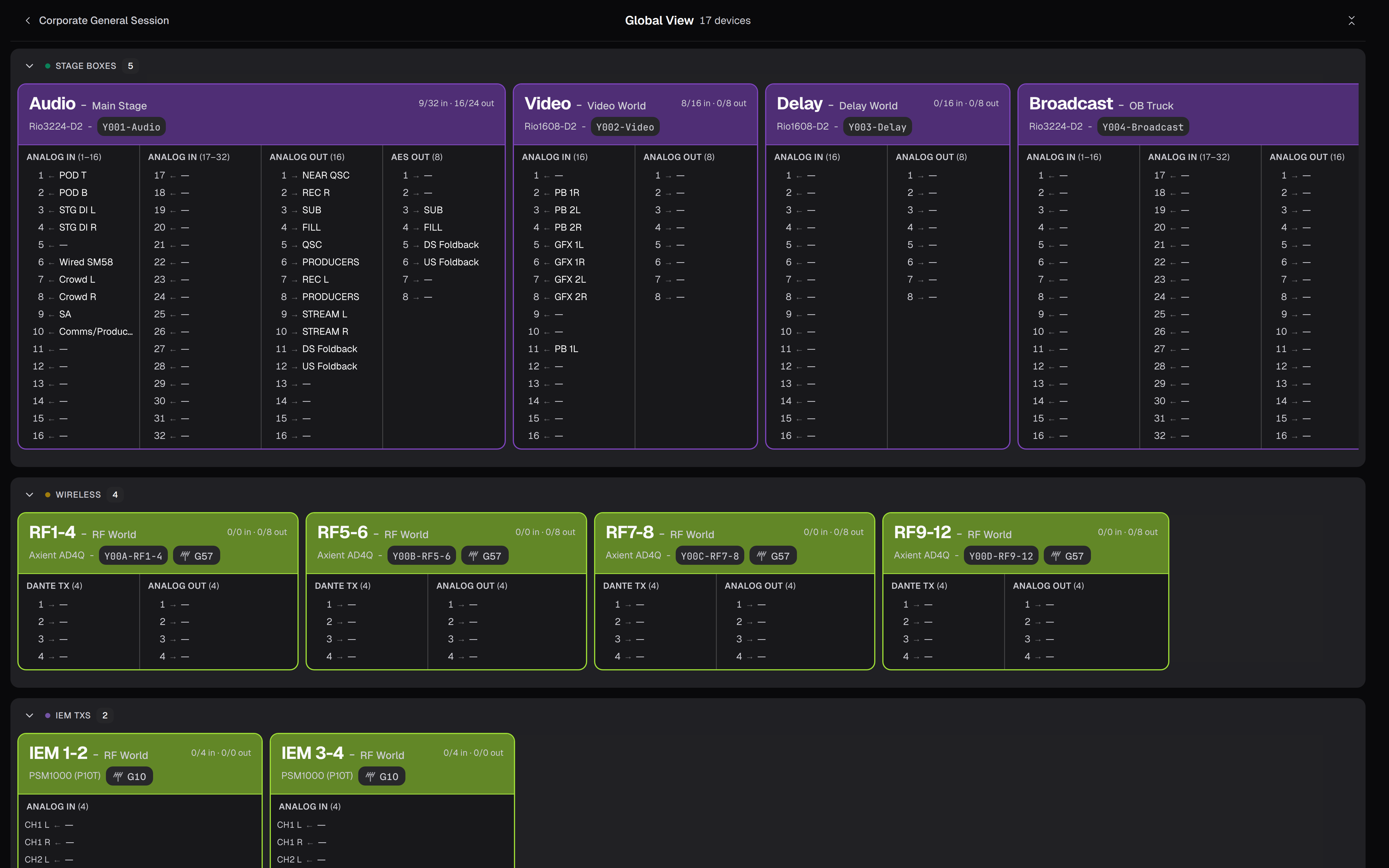
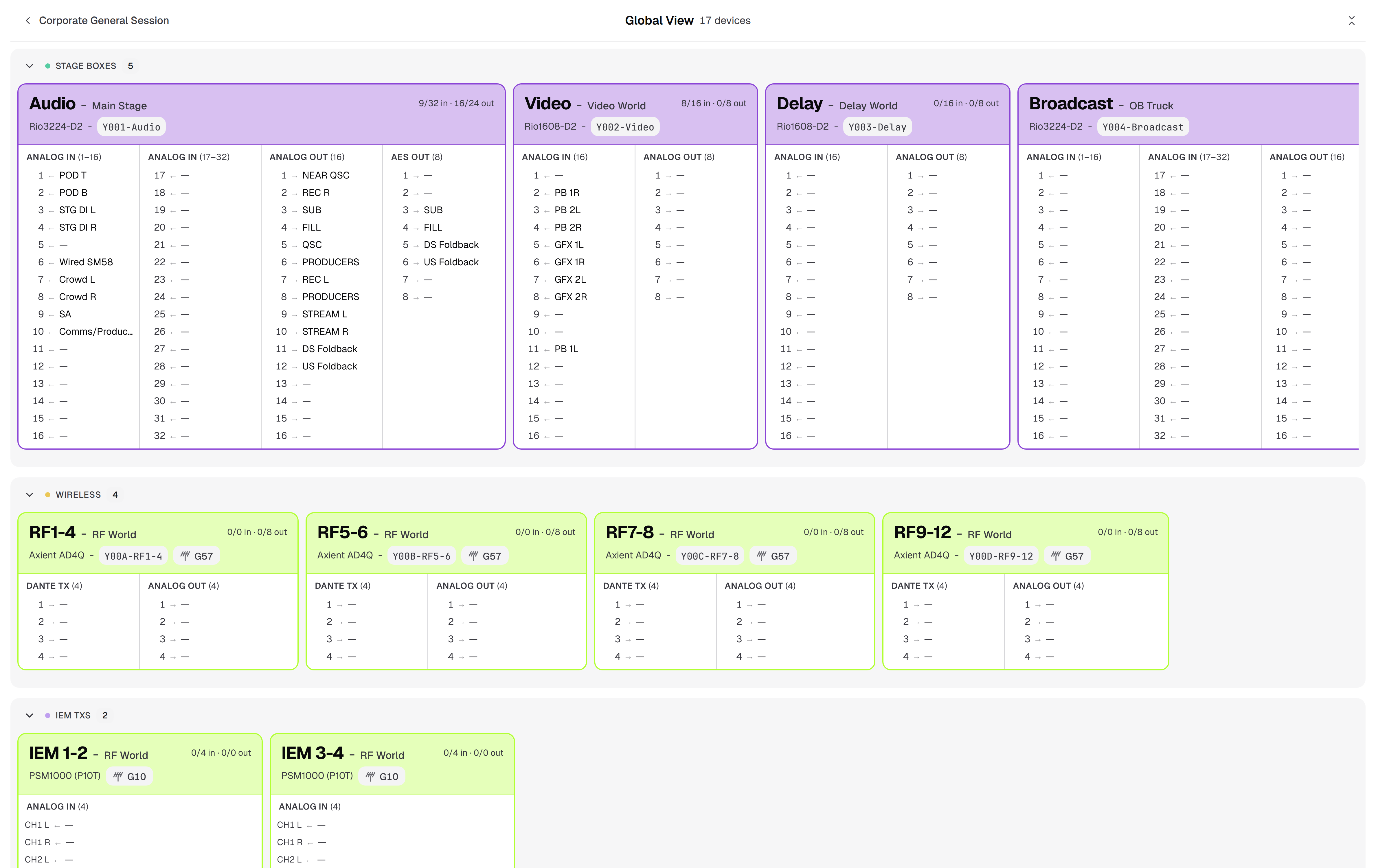
Global View - Public share party-line and intercom plan for Corporate General Session
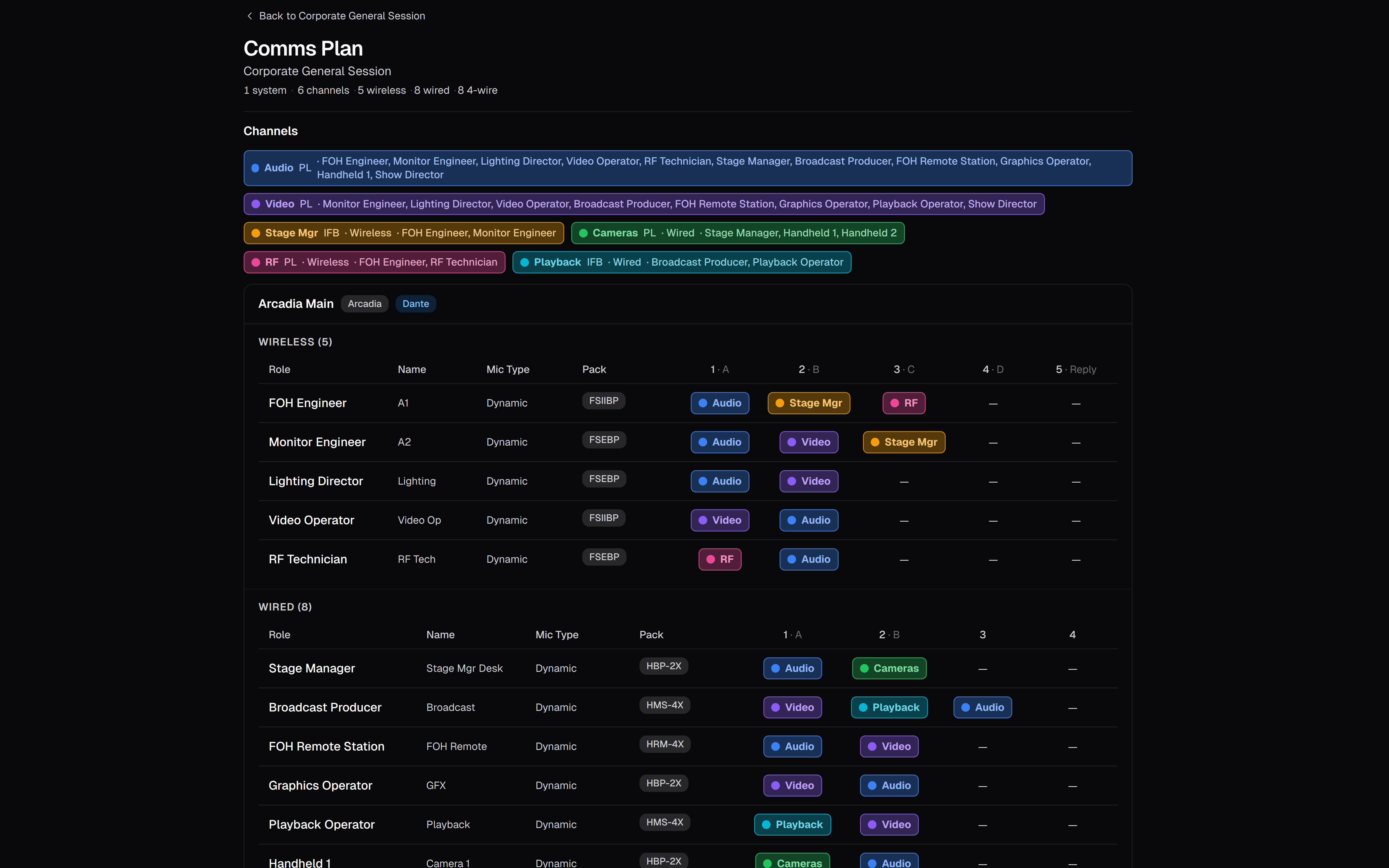
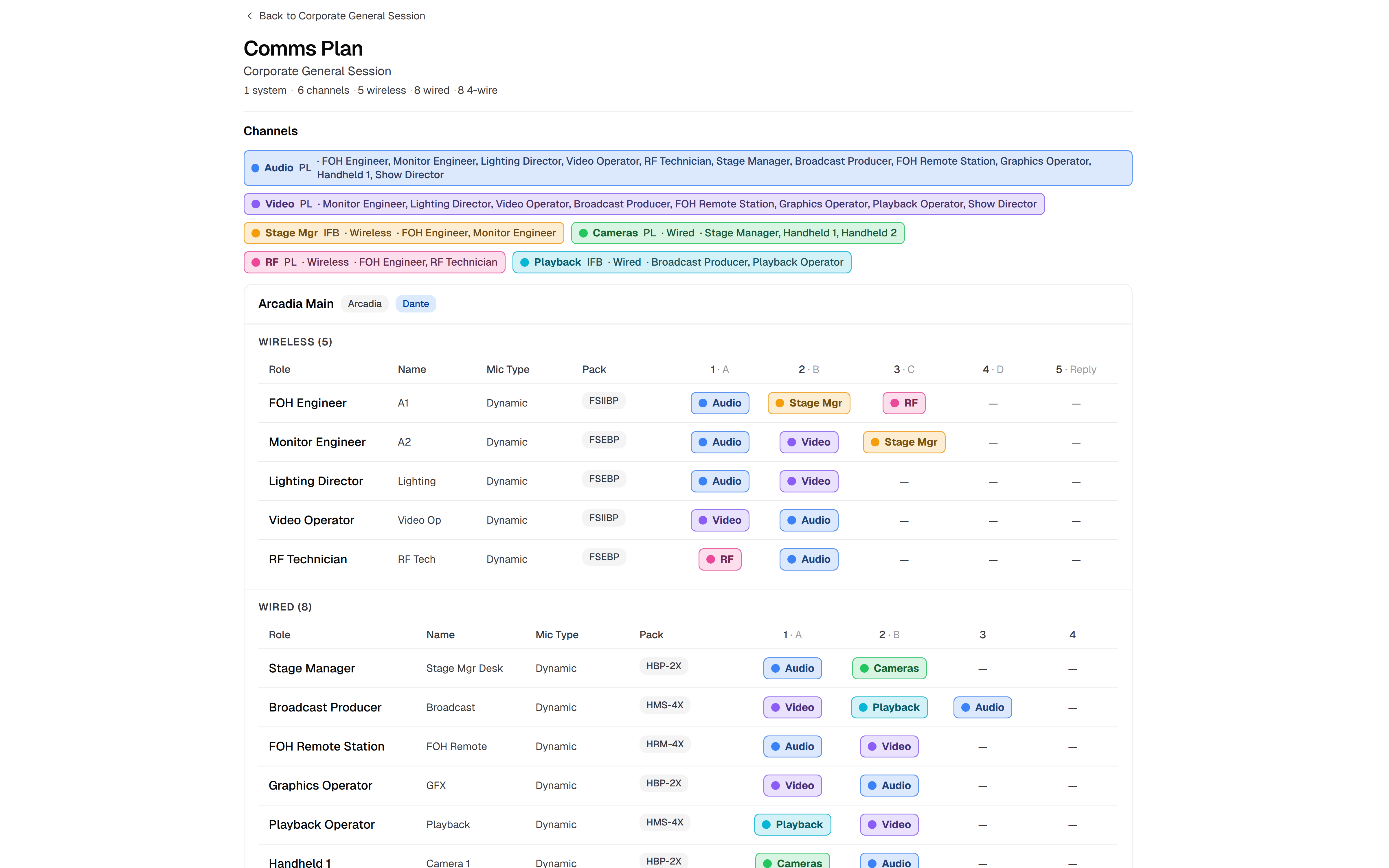
Comms Plan - Public share cable counts for Corporate General Session
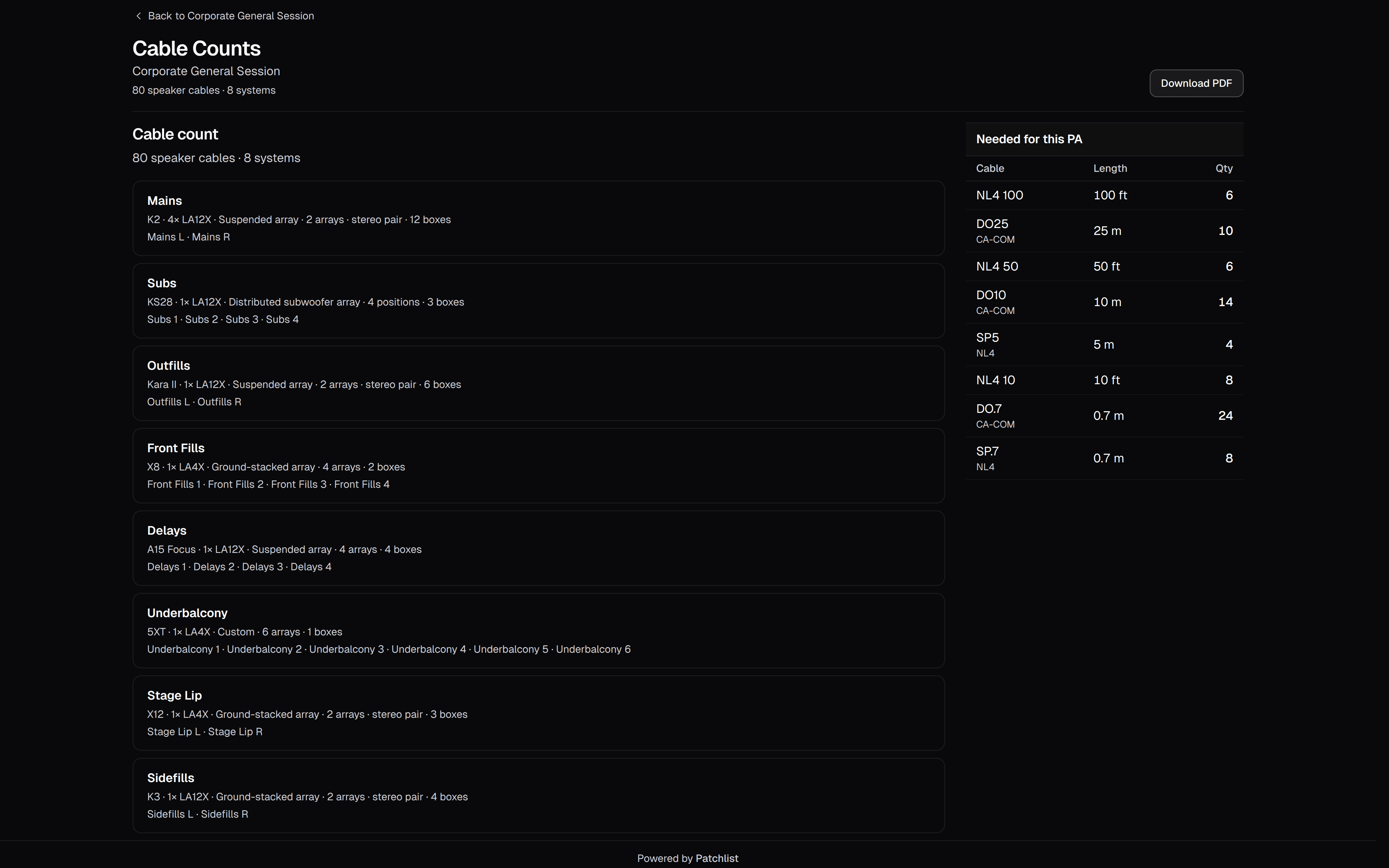
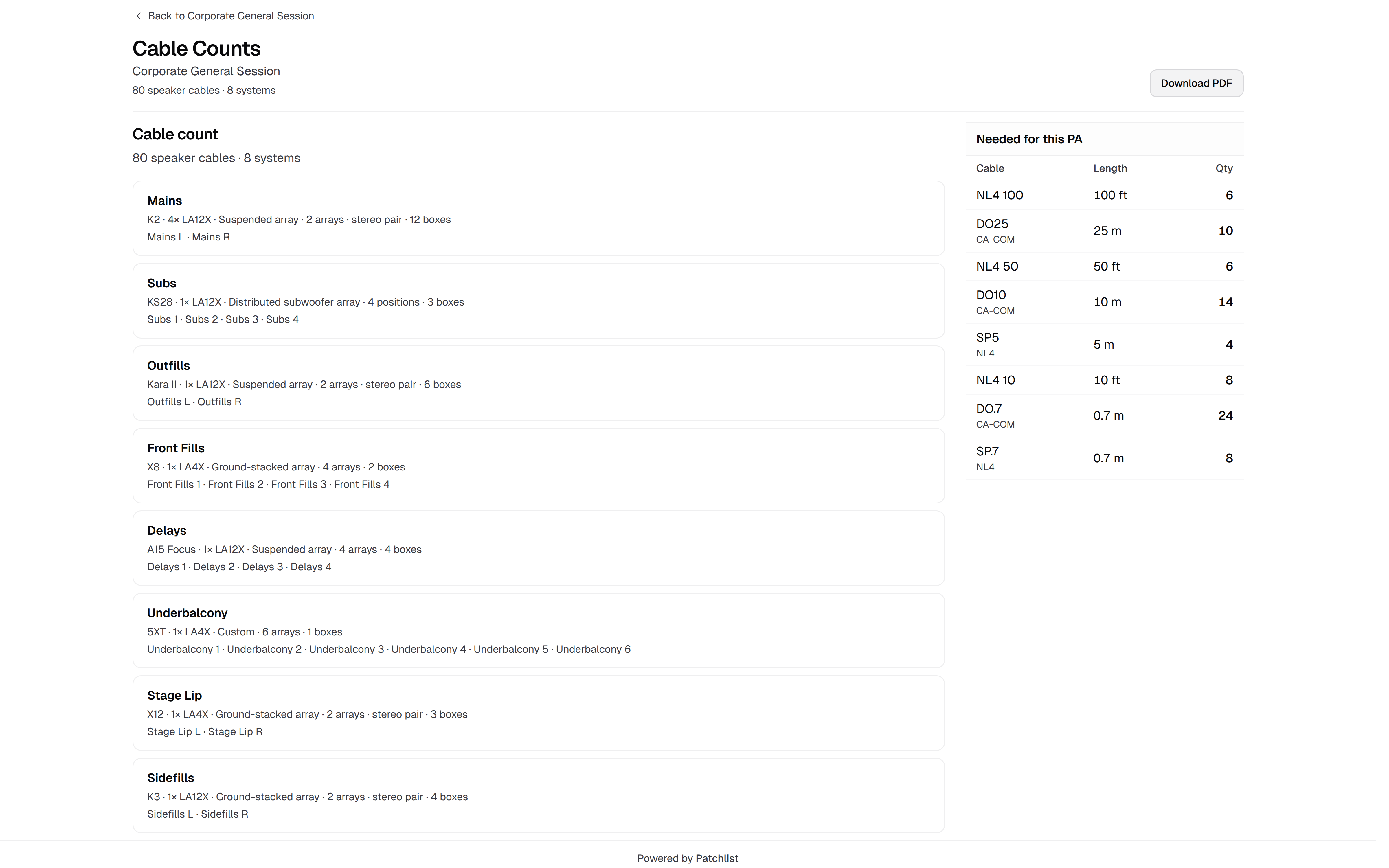
Cable Counts - Public share download links for Corporate General Session advance files
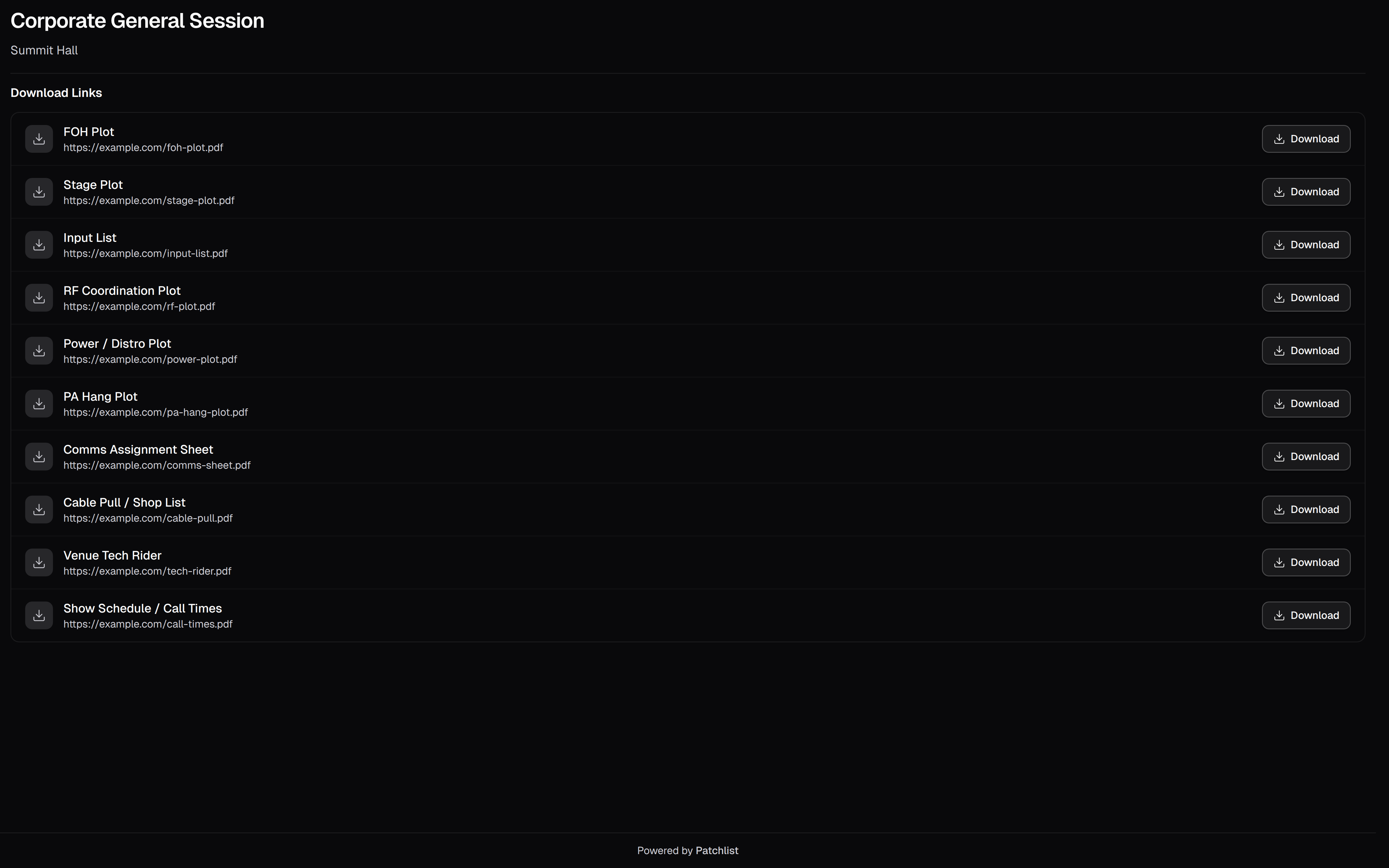
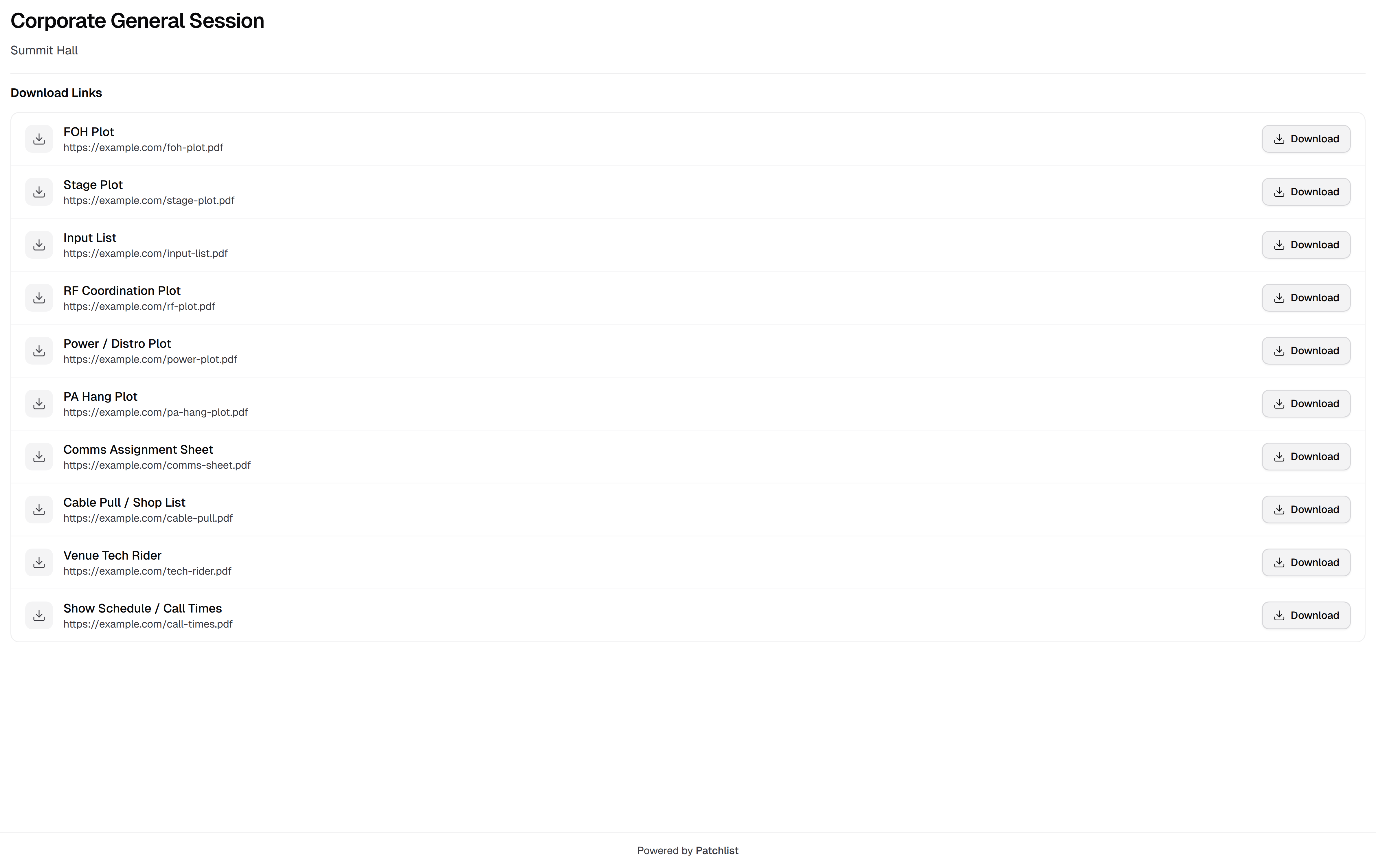
Download Links
Load-in
More time on the plan.
Less time re-explaining it.
Everything for the day lives here, so the same questions stop coming back. Open the project and run the show. No digging through texts, drives, and half-updated sheets.
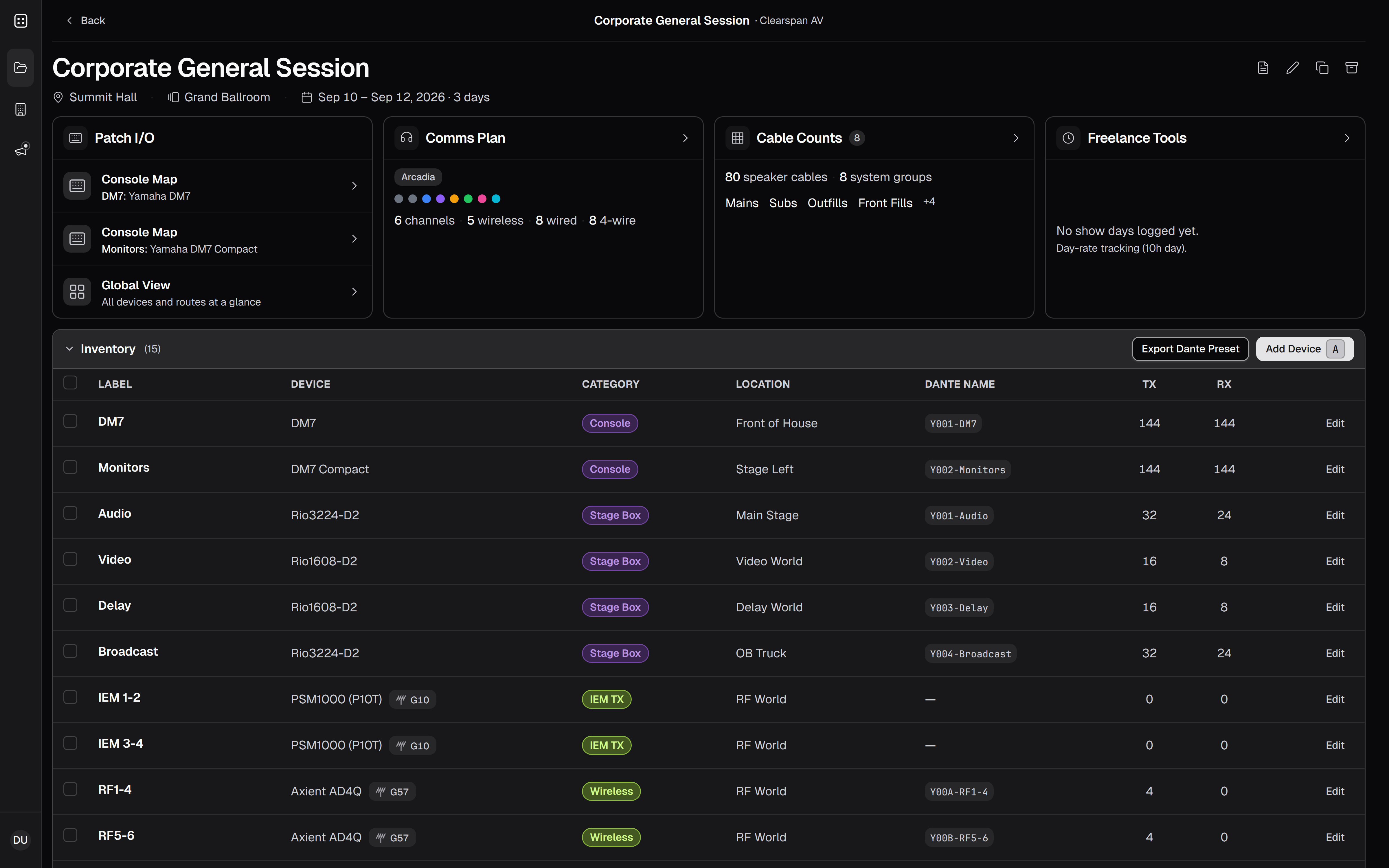
Ready for the next load-in.
Request private beta access, or log in if your crew already has an invite.